Turn any document into training your team can use today

Paste your SOP, describe a topic or upload a manual. LEAD’s AI builds a structured course with learning objectives, quizzes and learner interactions in minutes – no instructional design experience required.
Get a Demo

LEAD-Course-Creation-dig-ad1


Trusted by thousands of learners from leading operators


Splash-AR
 zips-logo

How AI Source-to-Course Works

From raw document to published course in minutes. No writing experience, no instructional design background, no waiting on a vendor. Just your knowledge, structured and ready to assign.

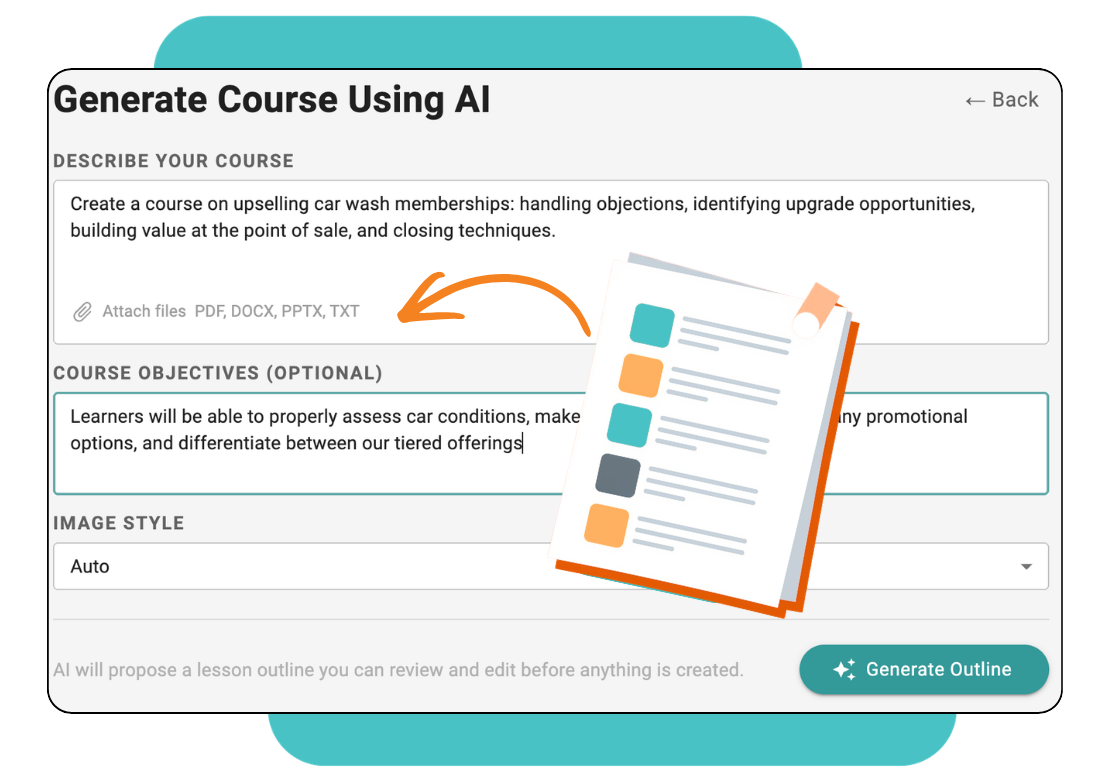
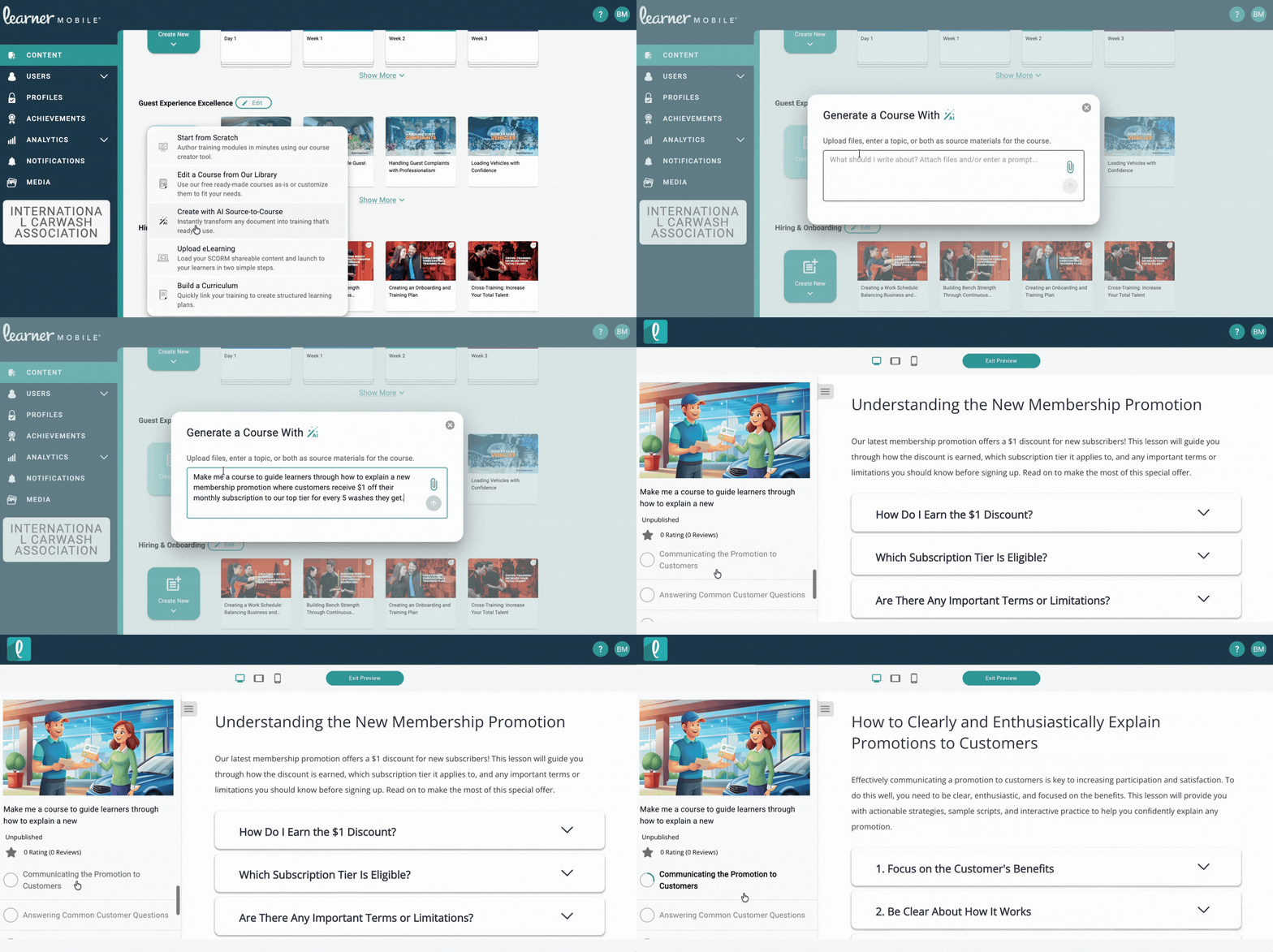
Paste, Describe or Upload

Start with whatever you have. Paste your existing SOP text, describe a training topic in plain language or upload a document directly.

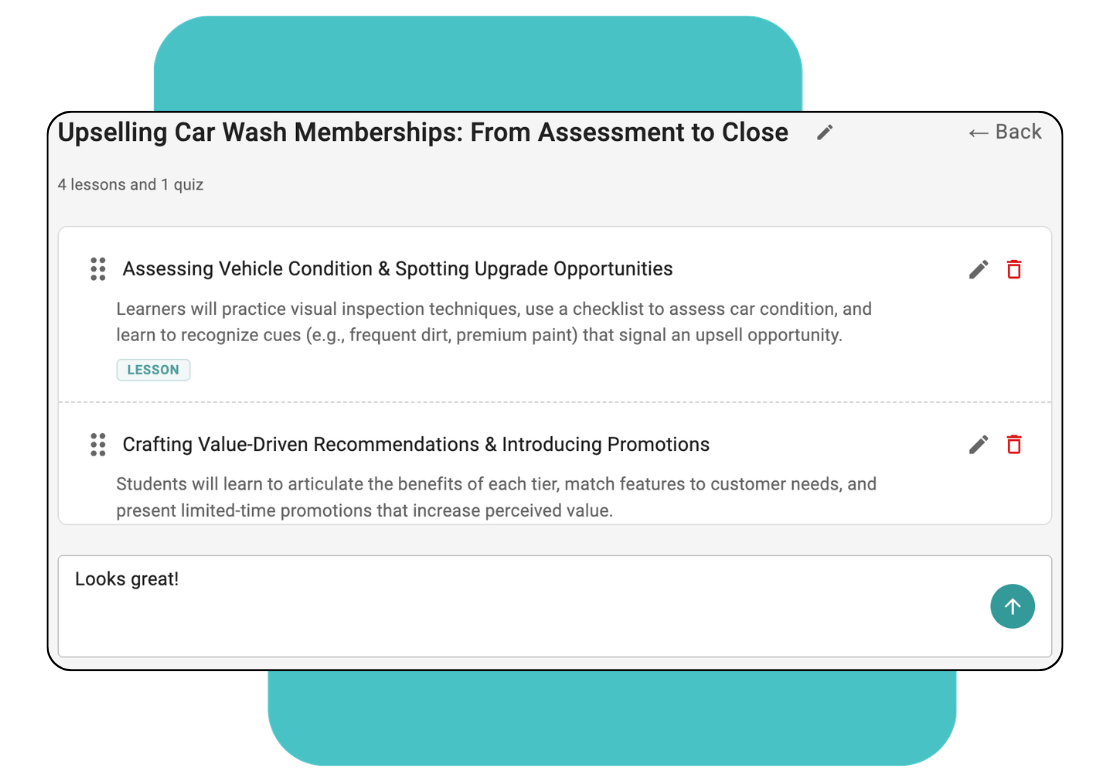
AI Builds the Course Structure

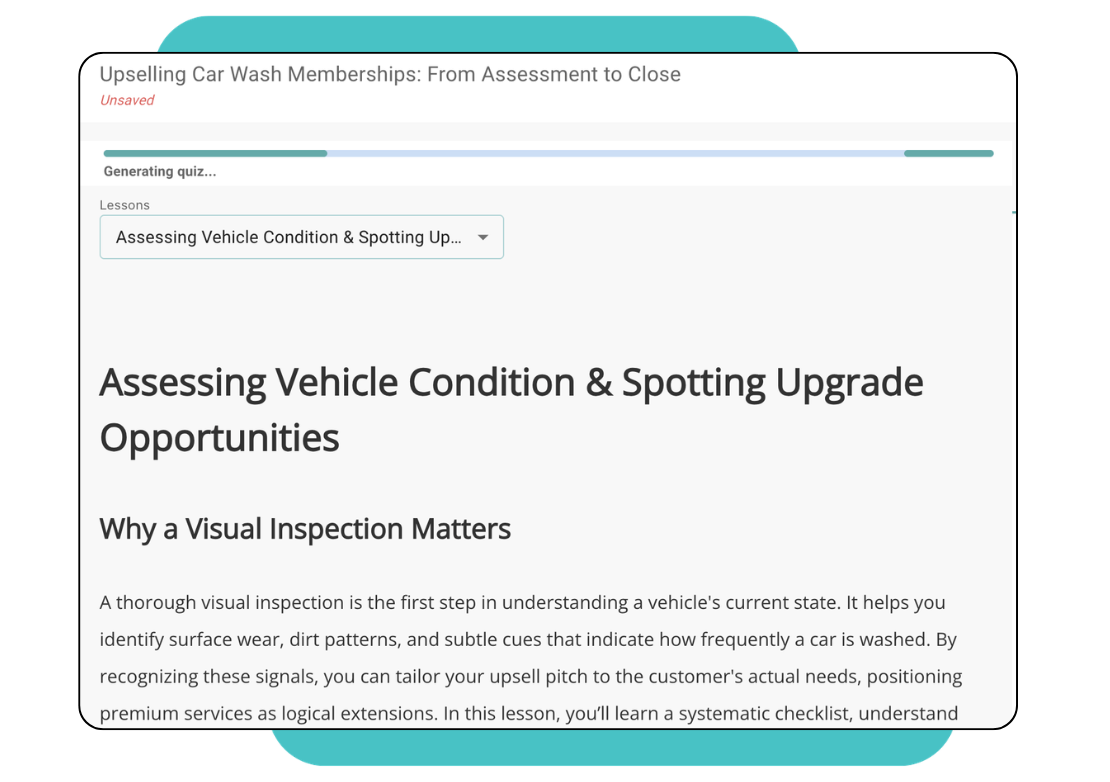
LEAD’s AI analyzes your content and generates a structured course: interactive elements, clear learning objectives and knowledge-check questions. The heavy lifting happens in seconds.

Review, Edit & Refine

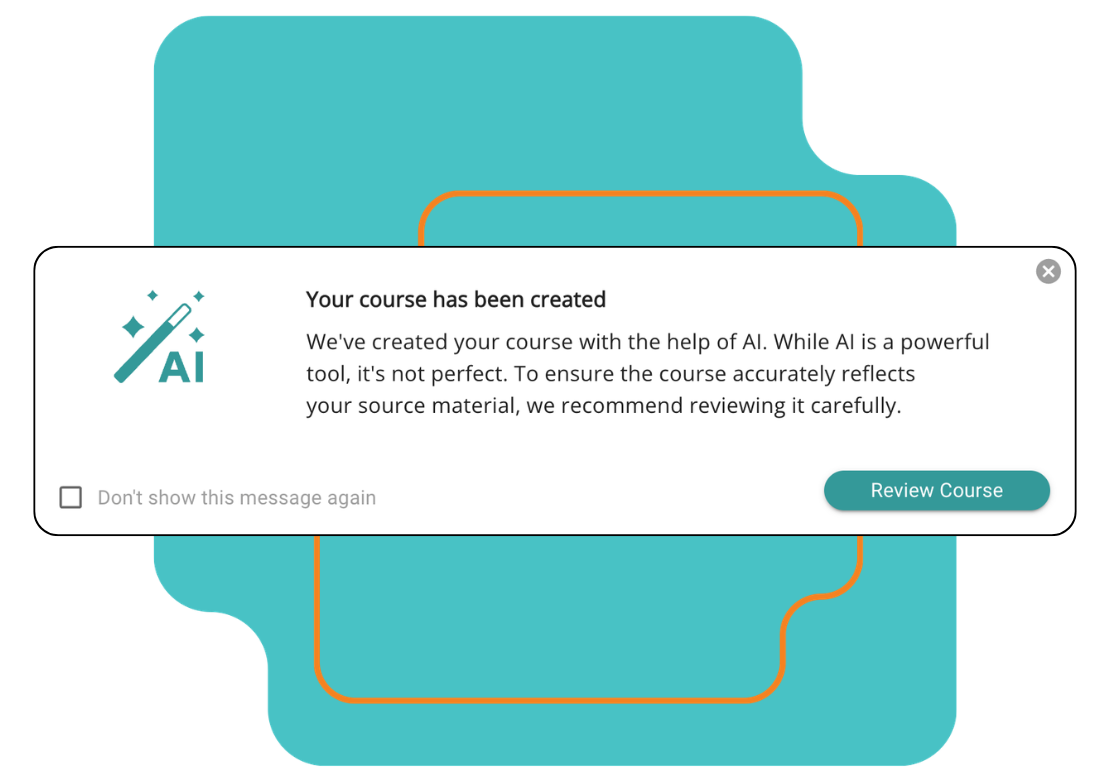
Every AI-generated course is a starting point, not a finished product. Review the output, adjust language, add your own images or video, and make sure the content matches your exact standards.

Publish & Assign

Publish the course and assign it by role, location, or individual. Your custom-built training lives alongside LEAD’s standard library – same tracking, same reporting, same completion certificates.

Keep It Up-to-Date

Procedures change. Equipment gets updated. Regulations shift. Edit and republish any course at any time without creating a new version – employee completion history is preserved.

LEAD-AI-s2c-accordion1

LEAD-AI-s2c-accordion2

LEAD-AI-s2c-accordion3

LEAD-AI-s2c-accordion4

LEAD-AI-s2c-accordion5


Your SOPs shouldn't live in a binder. They should live in your team's hands.

Every car wash has procedures that matter – keeping people safe, customers happy and operations running. The difference between an operator who trains consistently and one who doesn’t isn’t effort, it’s having a system that turns what you know into something your whole team can learn.

LEAD-ai-s2c-card1

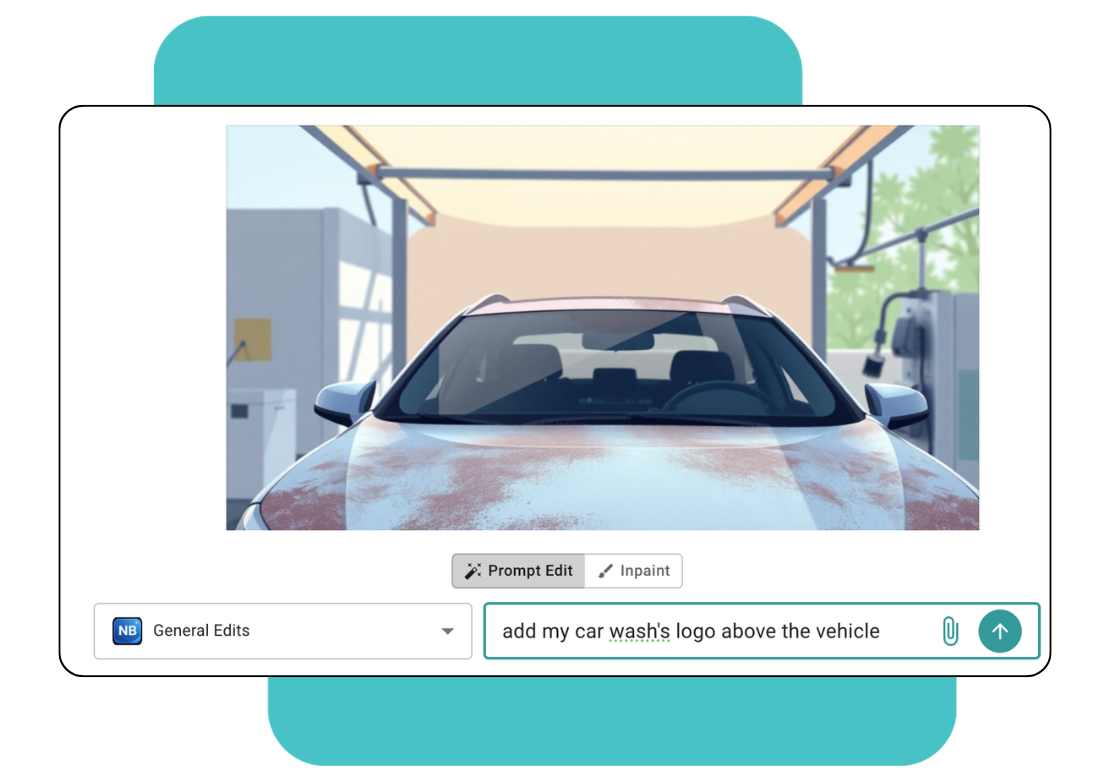
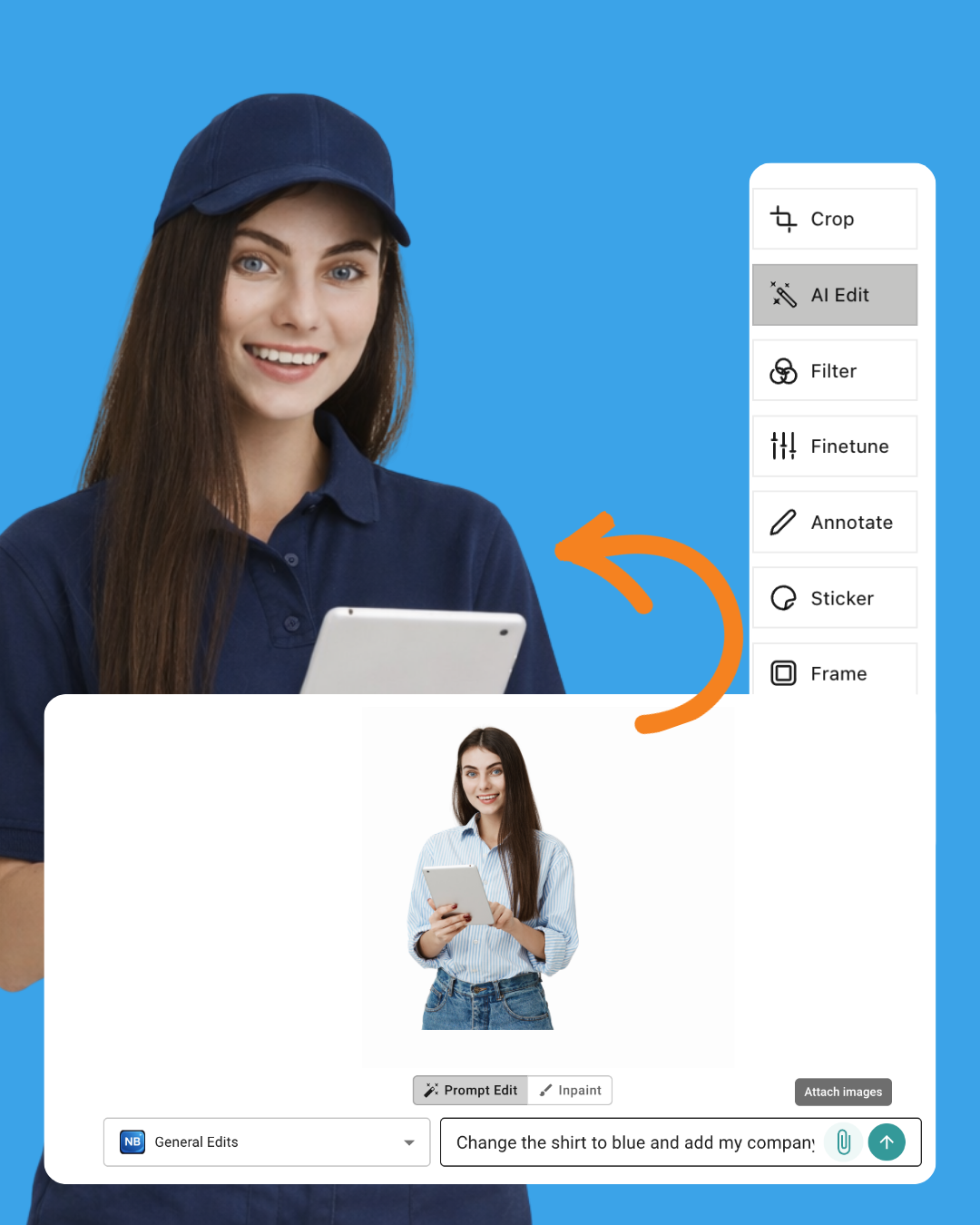
AI Image Editing

Build content with your brand colors and logos and apply to course content in seconds with Google's built-in AI image generation and editing model.
LEAD-customizable-feature-card2

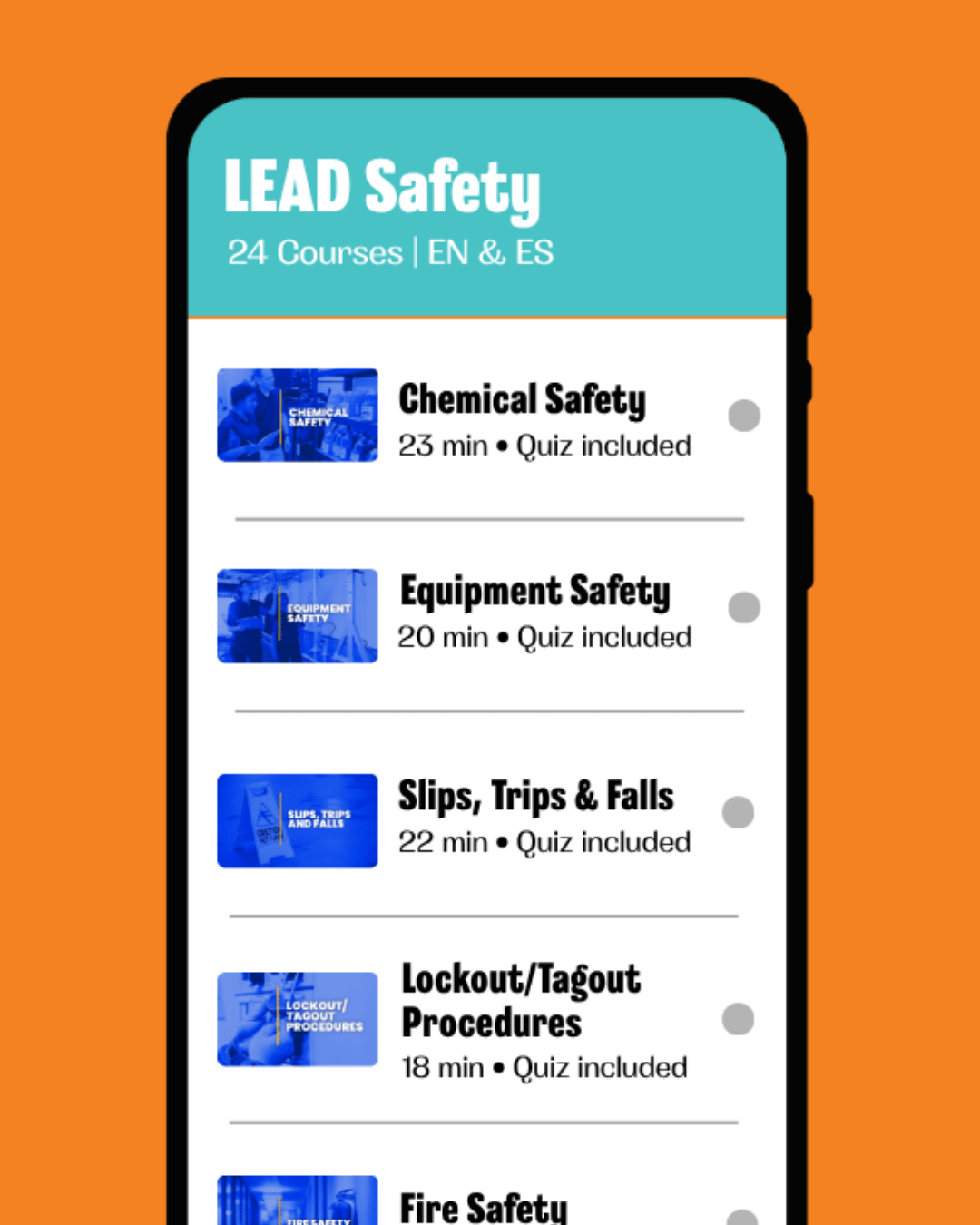
Build Courses in Multiple Languages

LEAD’s AI authoring tool supports multilingual content generation. Create courses in any language – generate training in the way your workforce communicates. 
LEAD-customizable-feature-card3

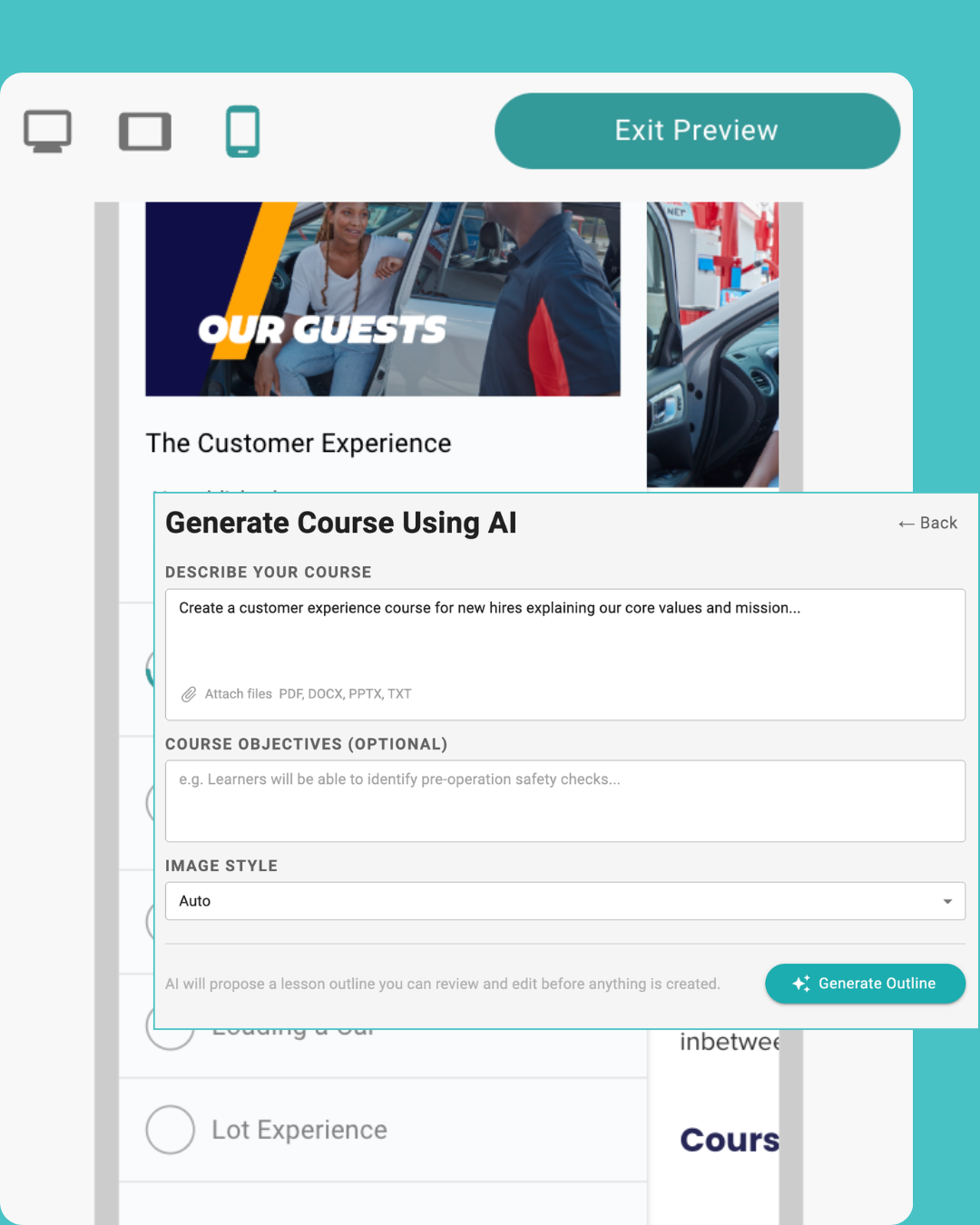
Work with What You Already Have

Don't start from scratch. Paste text from a Word doc, upload a PDF manual or describe the topic in your own words – our AI works with real operational content.

Frequently asked questions


How long does it take to build a course?

Using the AI authoring tool, course creation takes seconds - and most single-topic modules take under an hour from start to fully published. Experienced users create professional courses in 20-30 minutes. If you have existing SOP documents, the process is faster since the AI has structured content to work from.

Can I create courses in multiple languages?

Yes. LEAD’s AI authoring tool supports multilingual content generation, including English and Spanish. This is especially valuable for operators with diverse workforces where safety and operational training needs to be accessible in your team’s primary language.

Can I turn our paper-training manual into a digital course?

Yes - this is one of the most popular use cases. Digitize or photograph your paper manual, extract the text, paste it into the AI course builder and generate a structured course in minutes.

What file types can I upload into LEAD?

LEAD supports video files (MP4, MOV), PDFs, xAPI, PowerPoint presentations, Word documents, and SCORM 1.2 or SCORM 2004 packages from tools like Articulate Storyline, Adobe Captivate and iSpring. If you’re unsure about a format, your CSM can confirm compatibility.

Who owns the custom content I create?

You do. LEAD does not claim any rights to your proprietary training materials, SOPs or content created using the AI authoring tools. Everything you build is yours to edit, update, and reassign.

What if I don't have time to create courses?

LEAD's AI course authoring tool is a quick solution if you have somebody on-staff ready to handle training content. If you don't, with LEAD Pro, you have dedicated hours on-tap with our content development team and CSM to custom curate courses, or curriculum, fitted to your operation.

 

See how fast you can build training with LEAD

Tell us one topic your team needs to know. We’ll show you how LEAD turns it into a course during a demo.

Get a Demo

  • 400+
    locations
  • 10,000+
    learners
  • Countless
    time saved